Playdate
An integrated messaging extension that modernizes the way you organize group “playdates.”
Role: Product Lead & Designer
Skills: 0 → 1 Product Strategy • Mobile & Web UX • Product Specifications
1. Problem and Opportunity
Coordinating a group hangout is never easy. Back-and-forth messages, non-standardized availability texts, and the final decision being made by a singular organizer. Existing tools like When2Meet and Doodle feel outdated and force users out of their active group chats to their calendars.
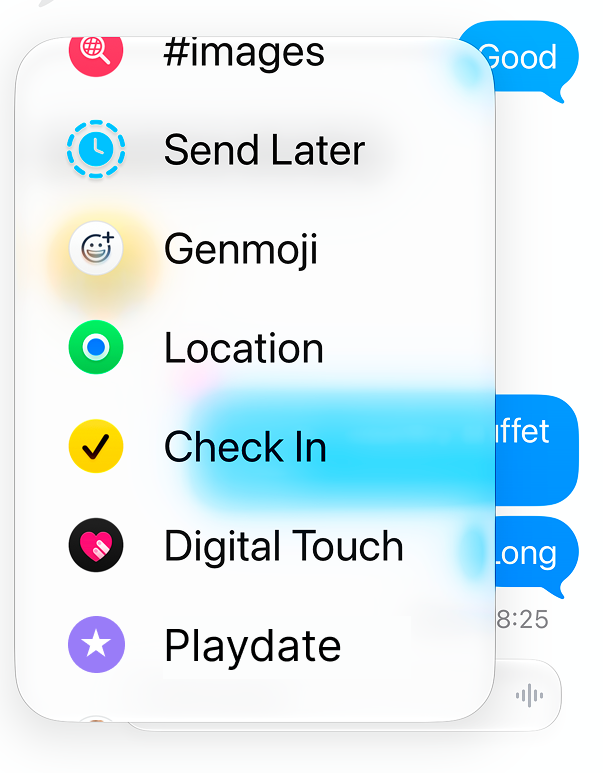
To eliminate this friction, I thought of creating Playdate - a mobile-first scheduling integration directly accessed through iMessage. Playdate allows groups to submit their availability in a few taps, automatically determining the best times for everyone to meet.
2. User Validation
I initially imagined this as a product that I would love to use personally, but I wanted to quickly validate if this issue existed among my peers. So, I approached my friends (a mix of Organizers and Participants) to understand their experiences with finding time to hang out. I learned that each group had their own set of pain points and perspectives:
From the Organizer’s POV:
Corralling everyone’s availabilities is more tedious than it should be.
“Plans don’t get made unless I text in the group and kick off the planning.”
From the Participant’s POV:
Coordinating between looking at your calendar and typing out your availability is too manual.
“Sometimes, I’ll wait for [the Organizer] to send a few options before checking my calendar.”
Additionally, asking friends to fill out a 3rd party scheduling tool isn’t efficient and these same tools are inflexible (e.g., modifying availabilities).
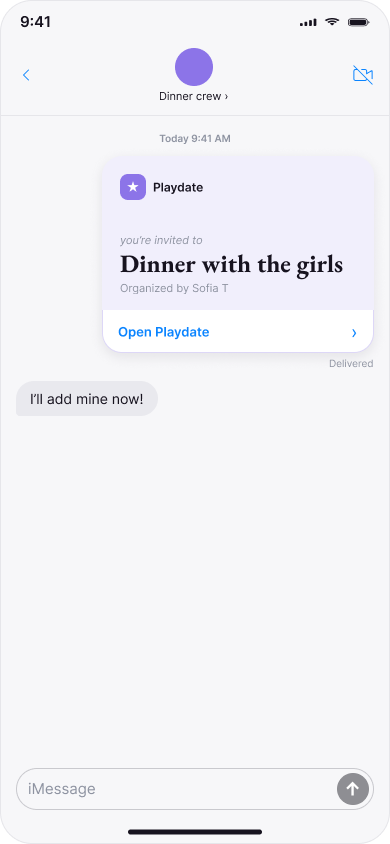
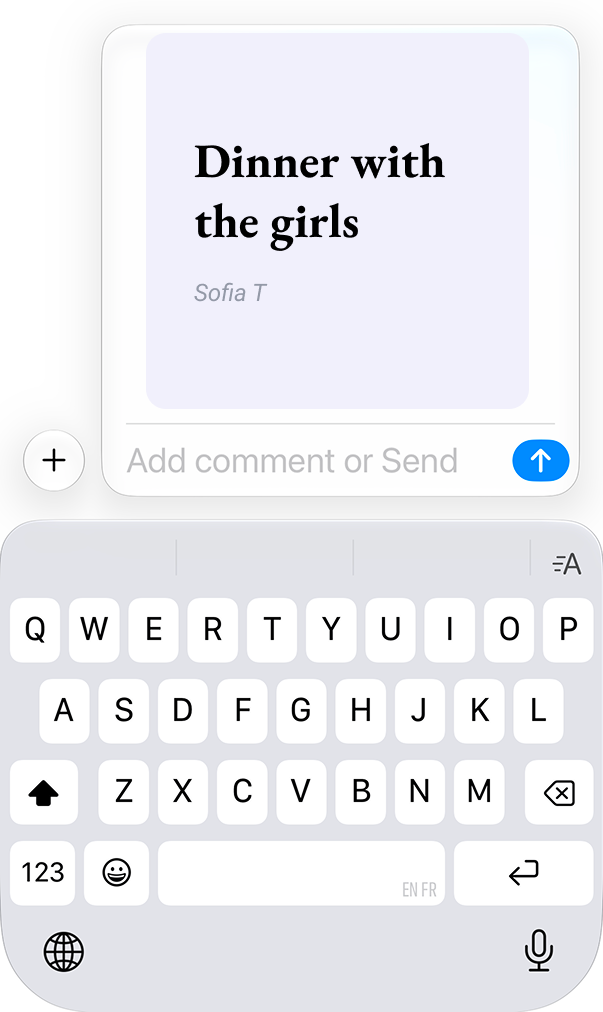
In-chat card sent to group chat
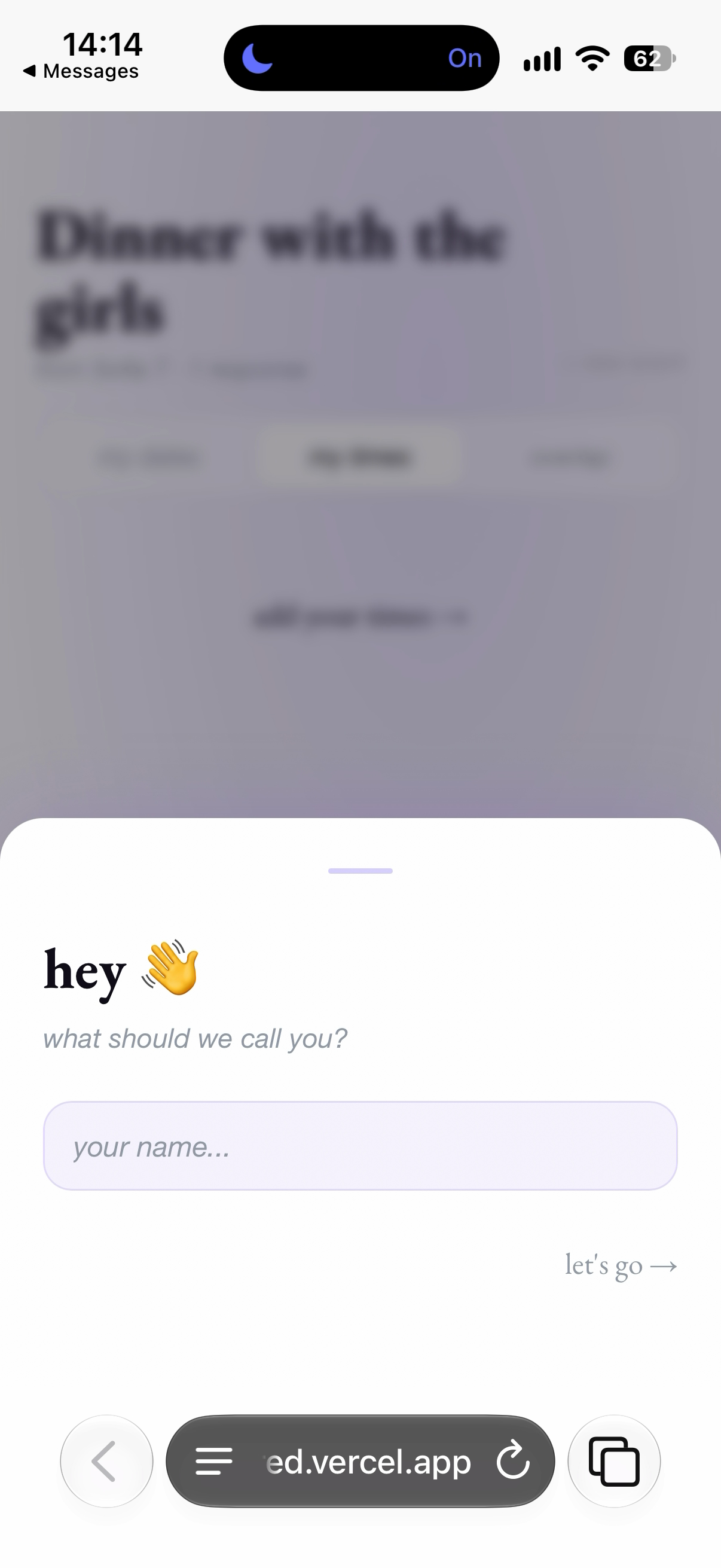
Web fallback UI
3. Product Specs
Core in-app experience:
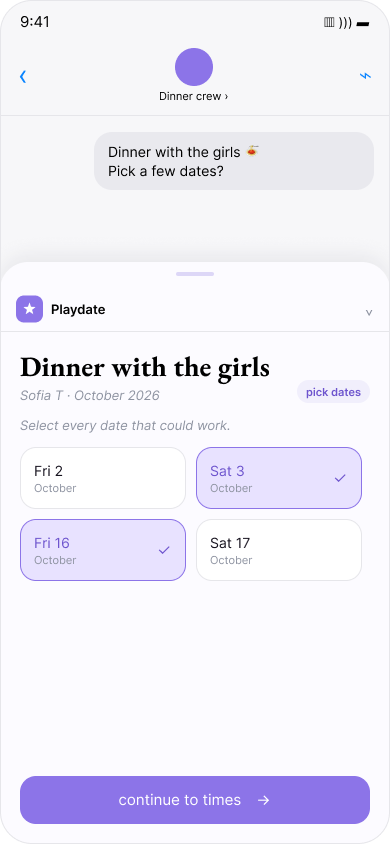
Event creation: Organizer opens Playdate app extension directly inside a messaging group chat and selects event parameters (e.g., event name, dates, times). Then, an event card is sent to the chat.
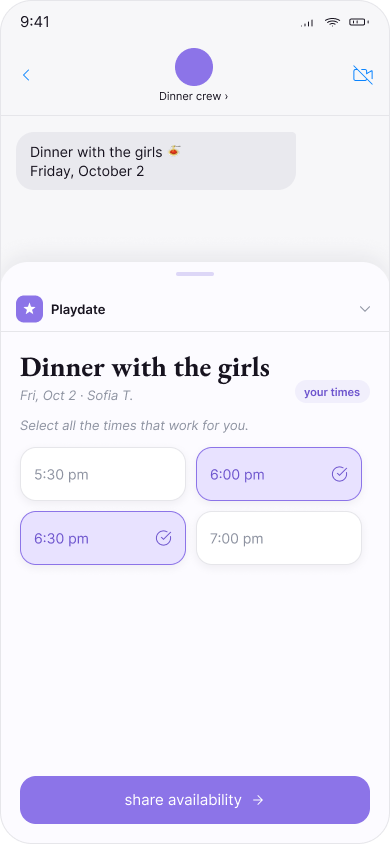
One-tap input: Participants receive the event card and tap it to open the Playdate card. Here, participants select their own availability and submit it directly within the chat.
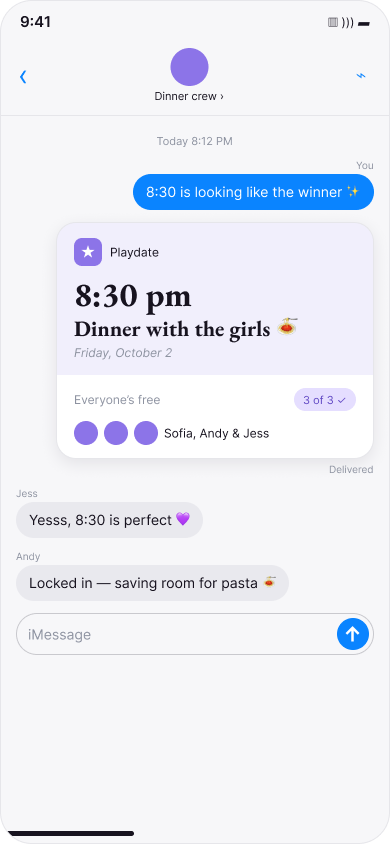
In-chat card: Event card persists in chat to show live response status (e.g., “2 of 5 have responded”).
Web fallback:
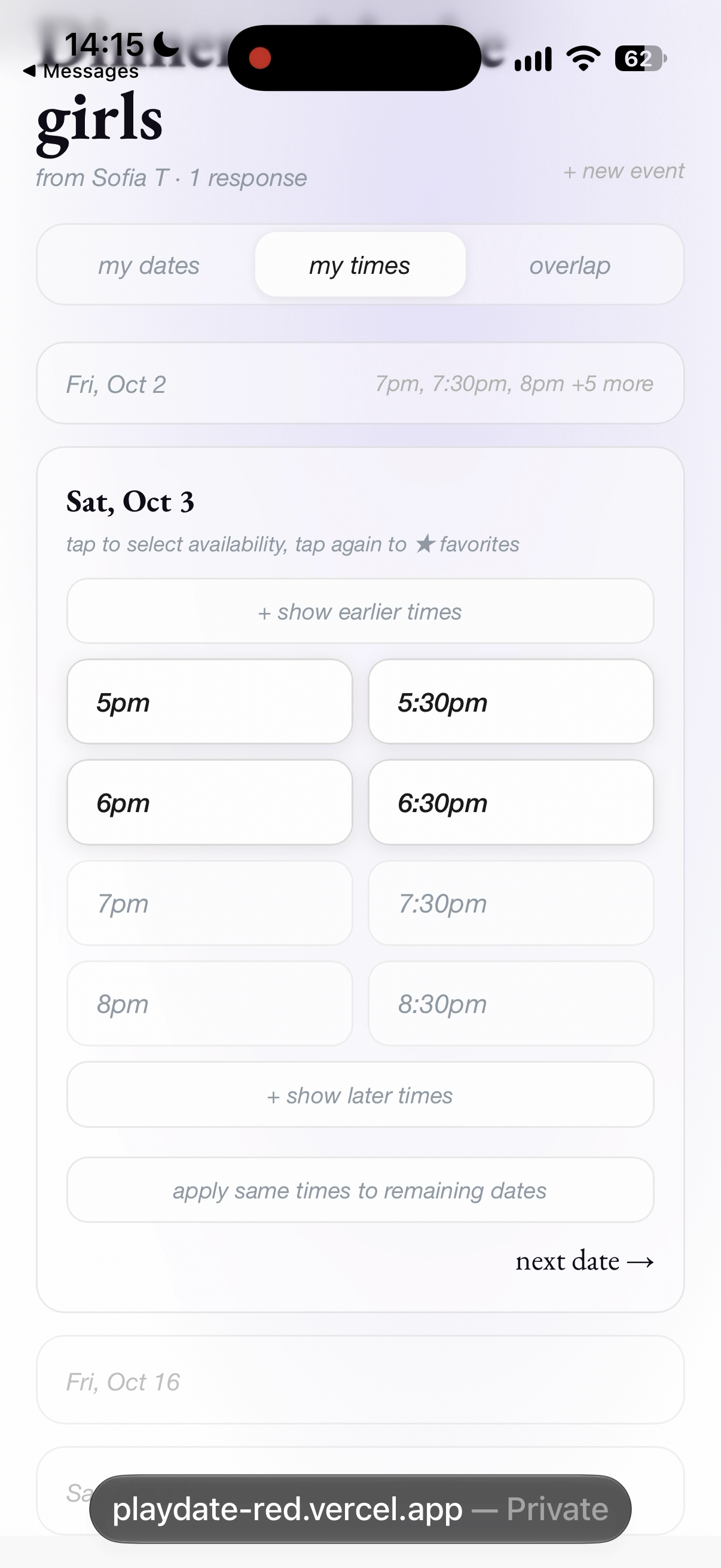
Link generation: For non-iMessage users, there is a web-friendly version of Playdate that they can use to enter their availability (via link). There is no log-in, the only extra step is for these users to enter their name before adding availability. After non-iMessage users input their availability, it seamlessly feeds back into iMessage responses.
Engine:
Time selection: After all responses are collected, Playdate automatically selects the best overlapping times and shares them to the group chat.
Calendar event creation: After time slot is selected by the Organizer, a calendar invite (.ics) is automatically generated and shared in the group chat, while updating the event card with the confirmed details. This way, group members can add the new event to their own calendars.
4. Success Metrics
Time to Schedule: How long it takes from an event being created to a final time being confirmed by the group.
Goal: Less than 10 minutes.
Group completion %: Percentage of created Playdates that successfully reach a confirmed time.
Goal: Over 80%.
Monthly retention rate: Percentage of users who use Playdate at least once a month resulting in a confirmed Playdate, either as an Organizer or Participant.
Goal: Over 40%.
Monthly event count: Total completed Playdates per month.
Goal: +15% month-over-month growth.
5. Product Roadmap
Phase 1: MVP Launch
Core event scheduling for iMessage and non-iMessage users.
Automated availability matching.
Calendar export.
Phase 2: Smart Recommendations
Calendar integration to automatically select available dates and times.
Location suggestions based on event title, users’ geographic location, and previously selected activities.